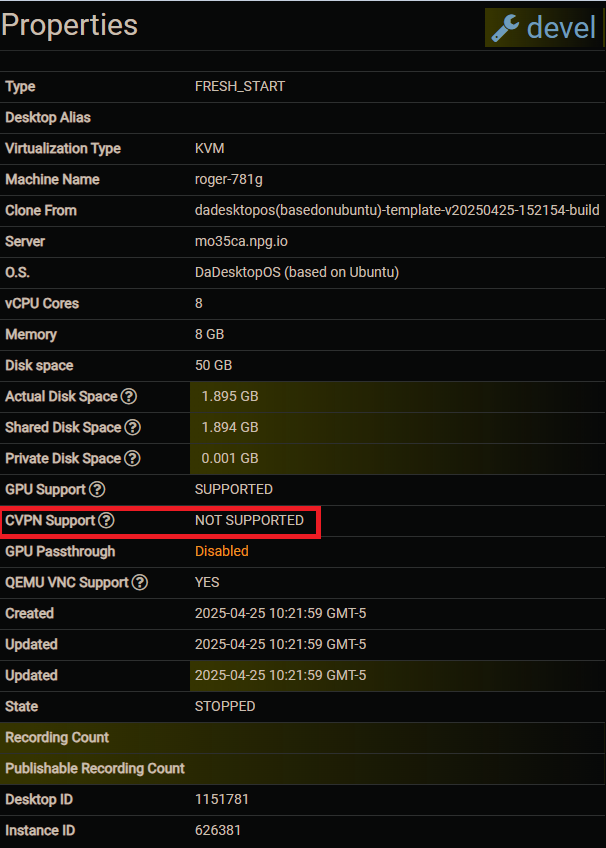
Course VPN
The Course VPN (CVPN) feature lets desktops connect directly to one another.
This replaces the older "Turn off network isolation" option. When network isolation was disabled, desktops could communicate with any other desktop on the same server, but cross-server or cross-data centre communication wasn't possible.
With Course VPN, any desktop added to a particular course can communicate with one another, irrespective of the server or data centre they reside on.
This functionality is limited to Ubuntu and Windows 10 operating systems. For other OSes, you can still use the "Turn off network isolation" option.
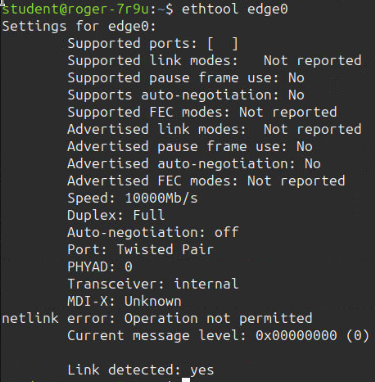
The following screenshots display the CVPN interface as seen from the terminal, along with some extra properties of the attached interface.
Terminal IPs:
Here you can see screenshots of the VPN network interface created when training workstations are provisioned. The two student terminals shown display the `edge0` network interface—that's the Course VPN interface.

Interface Details:

Supported Operating Systems:
Available when building a course that uses Ubuntu or Windows 10.

Unsupported Operating Systems:
Not available for courses using other operating system distributions.